Back to all resources
RESOURCE LIVE

Stop hand-wiring MCP configs in every repo.

MCP is the protocol. Docker Desktop's toolkit is the runtime that makes it survive a restart. One container per server, isolated secrets, live the moment your Mac boots. Claude Code, Cursor and OpenClaw all point at the same endpoints.

Raj Singh By Raj Singh · August 2026 · 6 min read
THE TOOLKIT, RUNNINGEvery server, containerised, up on boot
docker mcp server ls
UP · since boot
filesystem, git — Running. Scoped to two paths, secrets isolated.
postgres, github — Running. OAuth held by Docker, not by a repo.
playwright — Running. One container, restarts on its own.
One install. Three clients. Zero JSON.5 servers · auto-start on
THE TELL

Your MCP setup is duct tape and you know it.

  • Setting up MCP today means hand-rolling a config per project. One typo and you are debugging a silent connection failure.
  • Most servers leak straight through your context. Forty thousand tokens are gone before Claude has thought about anything.
  • You re-authenticate after every restart. The config drifts between repos and no two are the same any more.
  • Secrets end up in a JSON file in a project directory, which is the part of this you have been trying not to think about.
WHAT'S INSIDE

One toolkit. Every server. No config drift.

  • 01
    The MCP Toolkit
    Turning it on in Docker Desktop, and what changes when every server becomes a container instead of a line in a JSON file.
  • 02
    Live on boot
    The launch-on-startup rule most people miss, so MCP is already running the moment you open Claude Code.
  • 03
    Three clients, one endpoint
    Wiring Claude Code, Cursor and OpenClaw through the MCP_DOCKER transport so they cannot drift apart.
  • 04
    The first ten servers
    Which of the three hundred are worth installing on day one for an operator stack, and the five that only look useful.
  • 05
    Secrets that stay put
    How Docker holds the OAuth tokens so credentials stop living in project directories.
BUILT FOR

You, if MCP breaks every time you reboot.

If you already use MCP and the setup has become something you maintain rather than something you use, this is the fix. Twenty minutes end to end, and the first server is running before the coffee is finished.

Why now The MCP Toolkit only reached the stable Docker Desktop channel recently. Before that, containerised MCP meant writing your own images, which was more work than the JSON files it replaced.

What you get back is the assumption that it is simply on. No pre-flight check, no re-auth ritual, no wondering whether the failure is your config or the server.

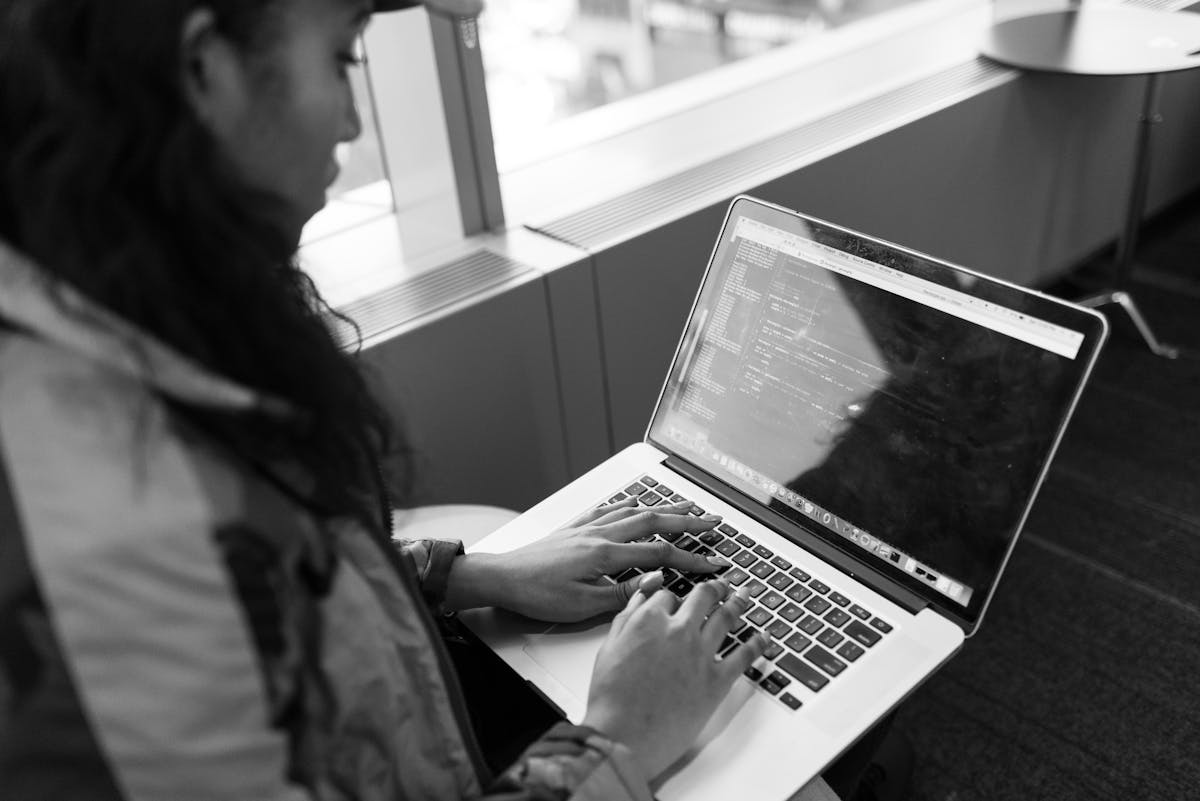
A woman typing code on a laptop
Photo: Christina Morillo / Pexels
UNLOCKS WITH YOUR EMAIL
  • 01mcp-toolkit-install.md1.6 KB
  • 02mcp-docker-config.json0.4 KB
  • 03claude-code-connect.md1.1 KB
  • 04top-10-servers.md2.8 KB
Get the resource

Drop your email, get the full tool.

One email. Instant access. No sequence, no upsell, no list-trap. I'll only ping you if I ship something that fits.

One email. No follow-up unless I ship something that fits.

The toolkit: every MCP server as a one-click container. Docker Desktop's MCP Toolkit runs the entire protocol stack — server images, OAuth, secrets, restart-on-boot — so you stop wiring JSONs and start shipping tools.

  • mcp-toolkit-install.md turns on the Toolkit in Docker Desktop, plus the launch-on-startup rule every operator forgets. MCP is live the moment your Mac boots, no per-project config.
  • mcp-docker-config.json is the canonical server config. Copy it, point Claude Code at it via `mcp_servers`, and every server runs in its own container with isolated secrets.
  • claude-code-connect.md wires Claude Code, Cursor, and OpenClaw to the same MCP endpoints via the MCP_DOCKER transport. One install, three clients, zero drift.
  • top-10-servers.md is the curated catalog. The 10 servers every AI operator installs first — filesystem, git, postgres, playwright, github, fetch, memory, sequential-thinking, brave-search, and the doc-ingest one. Skip the 290 others until you need them.
  • Docker Desktop 4.32+ on macOS, Windows, or Linux. The MCP Toolkit shipped in the stable channel in July 2025
  • Claude Code 1.0.45+ or Cursor 0.42+ for the MCP_DOCKER transport
  • Docker Desktop signed in (free Docker Hub account is enough)
  • 20 minutes end-to-end. The first server (filesystem) is running before you finish the coffee

↑ Unlocks the moment you submit the form above.

RS
WRITTEN BY

Raj Singh

I'm Raj Singh, founder of DebtOps.ai and a Claude certified partner. Over the last five years I've managed $25M in ads, built AI solutions for Fortune 100 companies, and installed AI operating systems and AI brains inside small businesses. Everything here is something I've shipped, debugged, or watched a client ship. My goal with AgileSingh is to make you irreplaceable in this AI age.

$25M
Ads managed · 5 yrs
F100
Enterprise AI builds
Claude
Certified partner
18
Guides shipped
More guides

Now connect the servers worth having.

A working runtime is only as good as what you point it at. The MCP setup guide covers the servers themselves, and the OpenClaw stack shows where they sit in a bigger system. Browse the library, or pin a slot and I will wire yours.