INSTALLSix commands, then two terminals
Clone the default branch, release. It is the last tagged version. main is unreleased work.
terminalfirst run
git clone https://github.com/trycompai/crm.git && cd crm cp .env.example .env bun install docker compose up -d bun run db:deploy bun run db:seed Seeded 15 companies, 45 contacts, 23 deals, 159 activities, 5 exchange rates, 7 company fields.
Fill in .env before the next step (the table in Configure). Then the quick start says bun run dev. In any terminal that cannot draw Turbo's interface (a server, an SSH session, an AI agent's shell) it exits at once:
what I got19 Oct 2026
x Cannot run interactive task "agent#dev" without Terminal UI.
Run the app and API in one terminal and the agent headless in a second. The second command is the one the project's own setup notes give.
terminal 1app :3000, API :3001
bun run dev --filter=api --filter=app
terminal 2agent :2000, Node 24
bunx turbo run dev:headless --filter=agent [agent] off Web research (PERPLEXITY_API_KEY) [agent] off Company brand data (Settings → General) [agent] off LinkedIn (Settings → General) [agent] off Picture storage (BLOB_READ_WRITE_TOKEN)
Prove itOpen localhost:3000 and sign in. That startup list is the agent telling you which places it can look. Each "off" line is one key you have not added yet. It still runs with all of them off.
CONFIGUREOne file, and why each line matters
There is one .env at the repo root, read by all three processes. Real environment variables win over it.
| setting | what to put | why |
|---|
BETTER_AUTH_SECRET | output of openssl rand -base64 32 | Signs every login session. Empty means no sign in. |
ALLOWED_SIGN_IN | yourcompany.com or you@gmail.com | The whole permission model. It has no default, so empty means nobody gets in. |
GOOGLE_CLIENT_ID and _SECRET | both, or neither | Redirect URI http://localhost:3001/api/auth/callback/google. Enable the Gmail and Calendar APIs. Half a pair is a button that fails. |
AGENT_URL | http://127.0.0.1:2000 | Not localhost. The agent's dev server listens on IPv4 only. |
AGENT_BRIDGE_SECRET | output of openssl rand -base64 32 | Turns on the Agent tab, and lets the API wake the agent when you add a company. Same value for every process. |
AI_GATEWAY_API_KEY | your Vercel AI Gateway key | The model. Not needed on Vercel itself. Without it nothing gets researched. |
CRM_TELEMETRY_DISABLED | "1" | Telemetry is on by default: one anonymous event of counts a day. The project says no names or amounts are sent. I still turn it off. |
The model is a setting, not a variable. The default is zai/glm-5.2-fast, chosen on purpose: the project relies on its evidence rules, not a frontier model, to refuse wrong answers. Change it on the settings page.
DAILY USEAdd people, then read what it found
Adda company or contactThe agent queues a look at them. With a Context key the logo, industry and real company name arrive first.
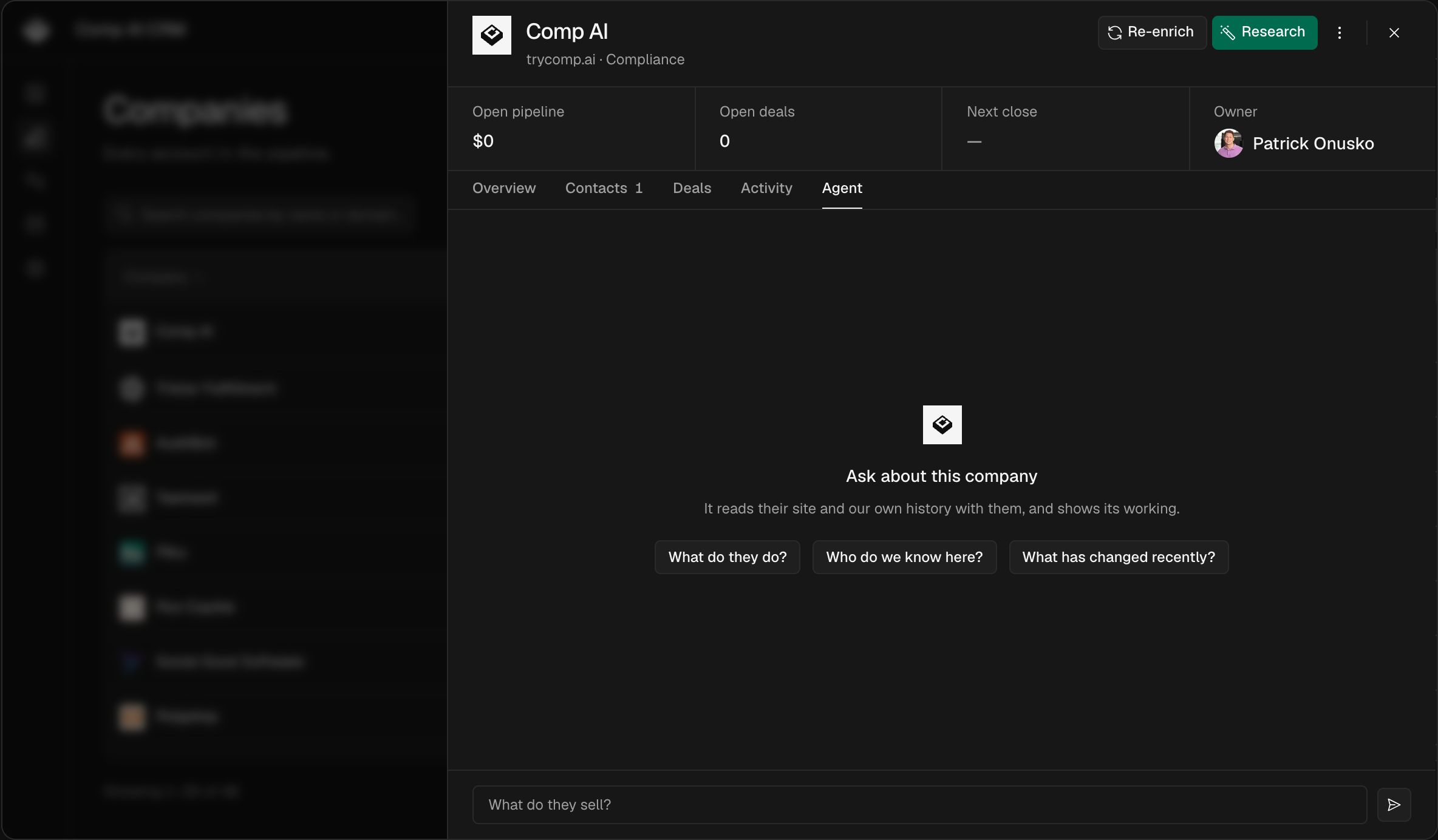
Watchthe Agent tabEvery record has one: the steps as it takes them, the leads it threw away and why.
SettlesuggestionsStrong evidence is written to the record. Weak evidence becomes a suggestion for you to accept or reject.
Askany recordType a question on the record. When it cannot choose between two people, it asks you in place.
Returnfollow upsIt books its own recheck dates and shows you the reason for each one.
The habitConnect your mailbox first. Your own email threads and signature blocks are free, and the project calls them the best evidence there is. Mail access is read only and starts from the day you connect.
THE SHAPE OF ITWhat's in the repo
apps/agent/the research agent: 18 tools, 4 skills, 1 schedule apps/app/the web app you use, on port 3000 apps/api/sign in, mail sync and data, on port 3001 packages/db/the database schema and migrations docs/setup.mdthe project's own notes on local runs
Your data lives in your Postgres. Single company by design: one install, one team, no accounts for other organisations.
That is the whole thingSix commands, two terminals, one key the app insists on, and a mailbox connected first. After that, new contacts arrive researched, with the proof on the record.
Open on GitHub →